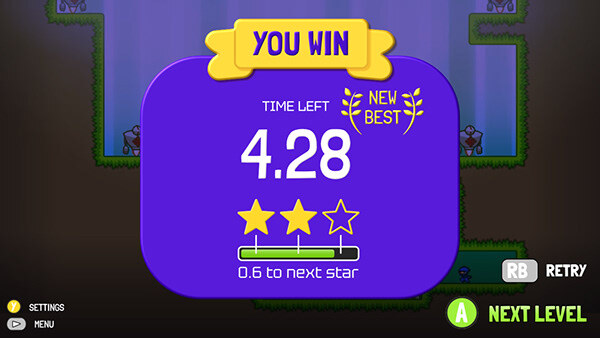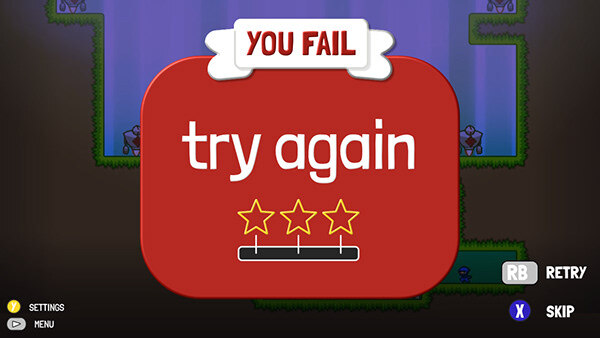
Interface redesign for the game “10 second ninja”, a platform game where you must finish each level in less than 10 seconds.
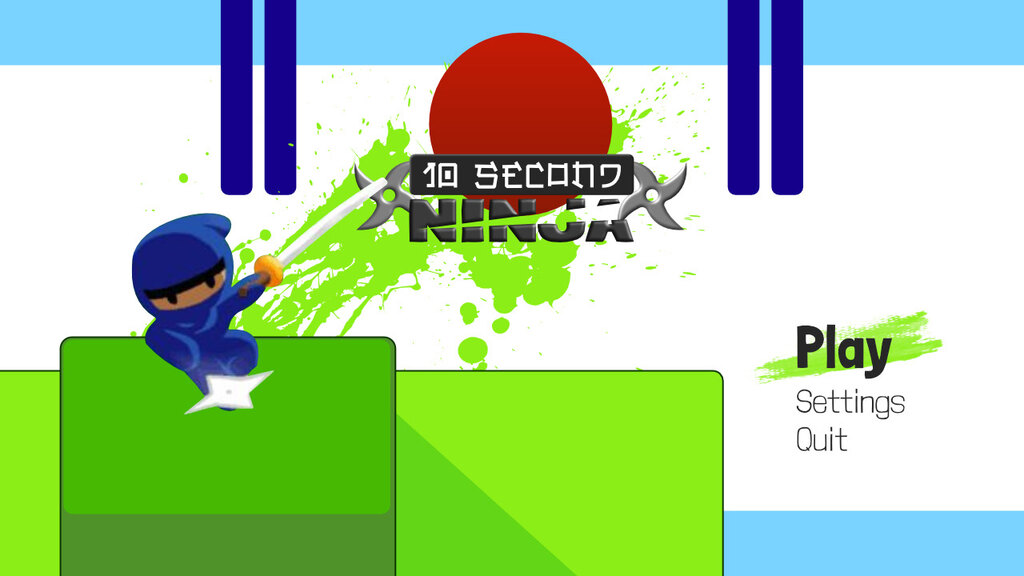
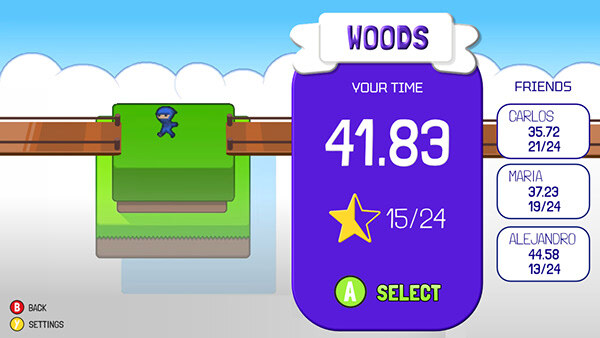
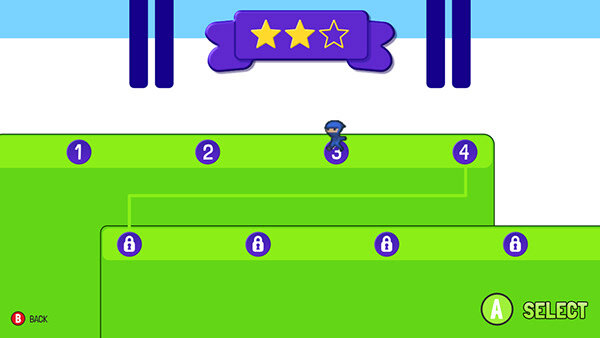
You can select the area by scrolling horizontally. The character performs the animation running and the stage moves horizontally. After selecting area, you select level. You walk with your character and in the part At the top of the screen the stars of the selected level are displayed.
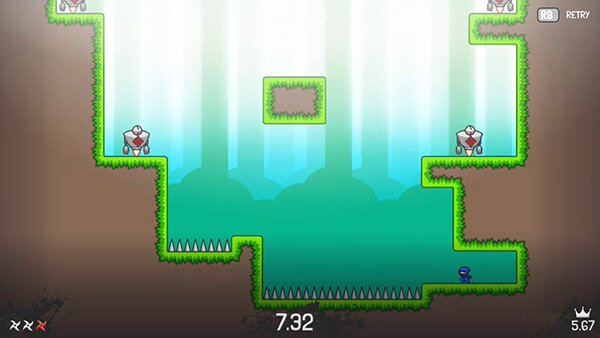
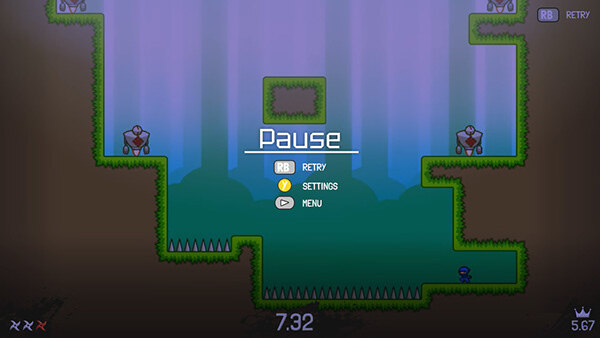
Shows the remaining time you had to finish the level. Assign stars according to your speed. And if it is a new personal record, it shows the “New Best” logo.
Added a “skip” option if you have already won the level previously.